Kieran @ Ness has written 20 articles

2025-05-21 2230 AEST – Server Issues – Closed

There is currently an issue with the Mezzo cloud Unit Server, this will effect remote connectivity to Mezzo & Ness Bridge devices & Google Home, Amazon Alexa control, engineers are investigating. 2025-05-22 0300 AEST:The issue is ongoing and under investigation. 2025-05-22 0600 AEST:The issue is ongoing and a fix is underway. 2025-05-22 0900 AEST:Services have…

Ness Mezzo / Ness Bridge Network Requirements

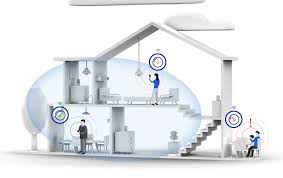
Hardware:For full functionality, the Mezzo/Ness Bridge hardware requires unfiltered outbound internet access to Ness Cloud services endpoints. Endpoints in use currently are: – TCP Operation mode: mezprod.tcp.nesscs.com:3654 – UDP Operation mode: mezprod.udp.nesscs.com:3654 This means that the Ness Bridge hardware will try to establish a connection with the above servers from within the customers Local Area…

Set Home Wi-Fi in Mezzo App

The Mezzo app normally operates via secure cloud connection to your Mezzo/Ness Bridge device but certain functions like firmware updating & changing cloud connection method will only work via a local network connection. To speed up the operation of your app when you are out and about, the Mezzo app will only attempt to connect…

Amazon Echo Integration

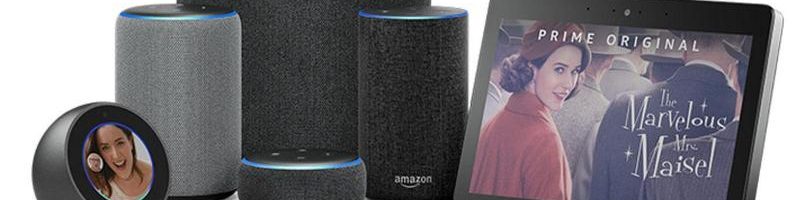
To utilise Amazon Echo with your Mezzo you must link your Mezzo Account to your Amazon Alexa account. For this functionality to work your Mezzo must be active on the Mezzo cloud and have internet connectivity. Only one Mezzo Account and one primary Mezzo and Amazon Alexa account can be linked currently. 1. Open the…

Replace Mezzo Battery

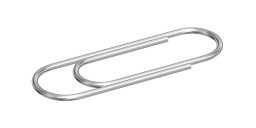
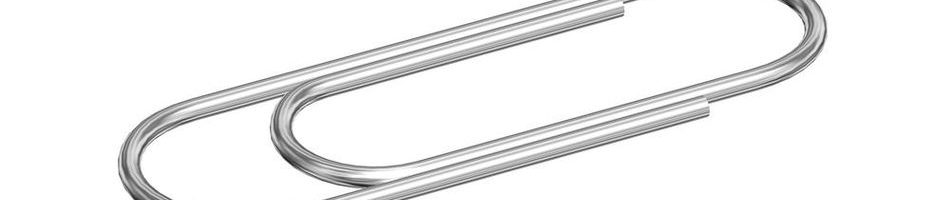
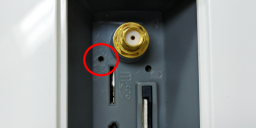
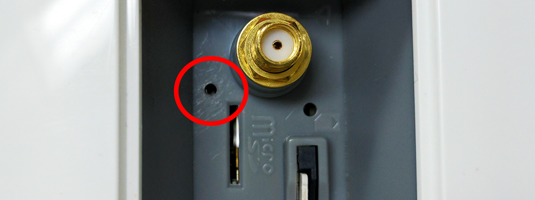
You may be directed to replace your Mezzo battery by support staff. To complete this task you will require: Replacement Battery Your Mezzo key Philips Head Screw driver A Paperclip Follow these steps to replace your Mezzo battery: Unplug your Mezzo and turn off the Battery Switch Unscrew and remove Security Cover from Mezzo Use…